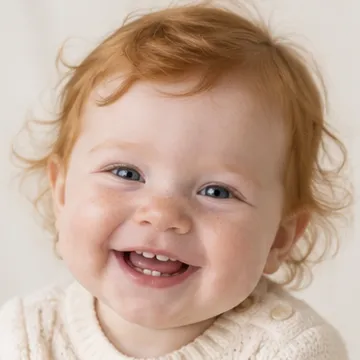
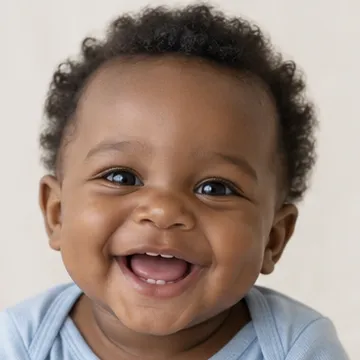
 AI baby generator for iPhone
See your future baby in one minute
Get the free app, add a photo of each parent, and meet a realistic portrait of your future baby in about a minute.
- Free download
- Boy, girl or surprise
- iPhone, iOS 16+
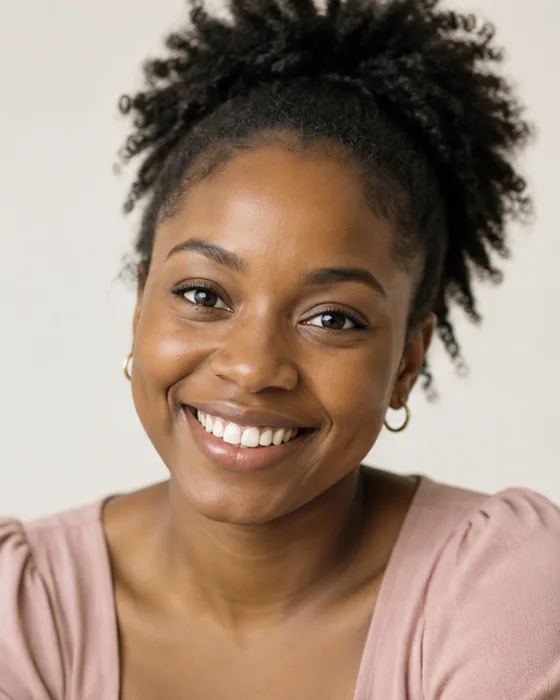
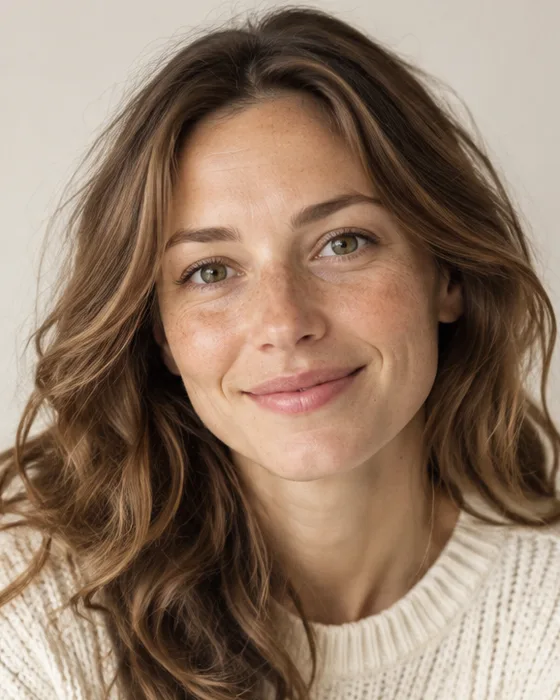 Mom
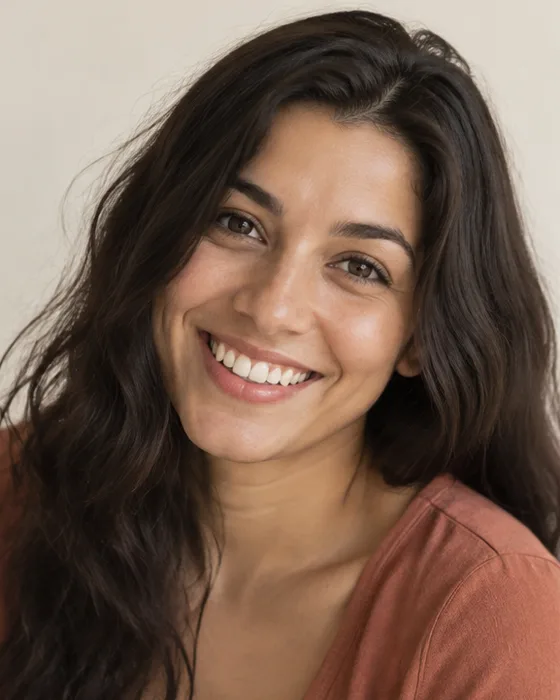
 Dad
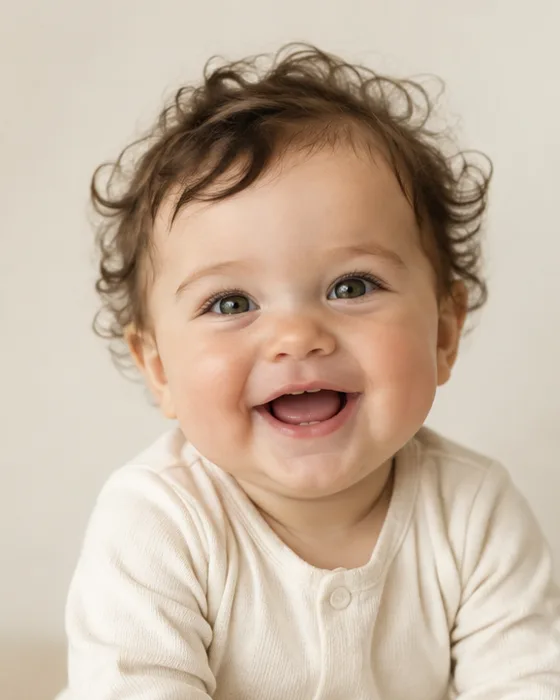 Mom's eyes
Dad's curls
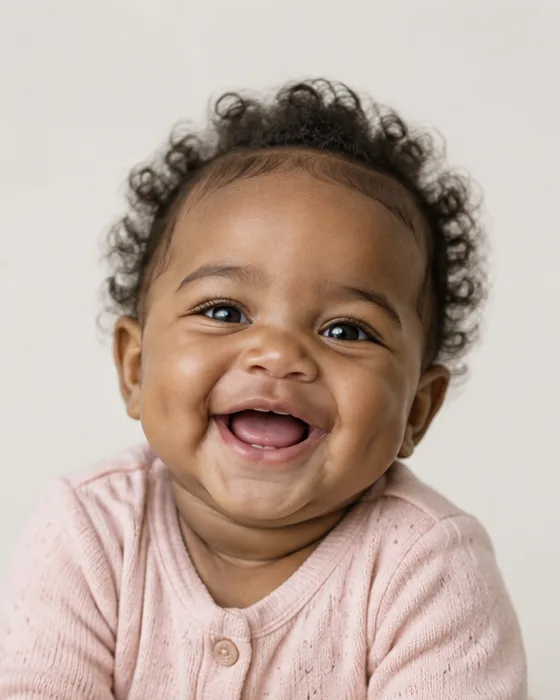
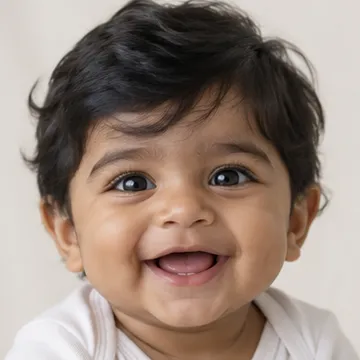
Sample couples and babies are AI-generated

- Free download
- Boy, girl or surprise
Every baby is one of a kind
Guess the baby, then tap to see it
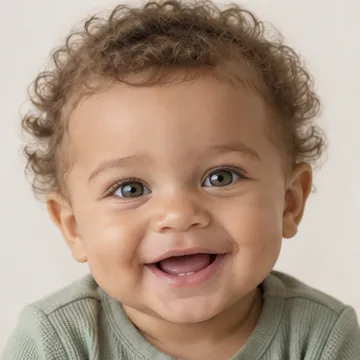
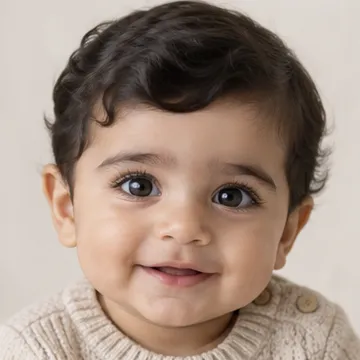
Four couples, four babies. Every result keeps something from each parent.

The best minute of date night
Pick your photos together, guess who the baby takes after, then send the result to the family chat.
Three steps, one minute
- 1
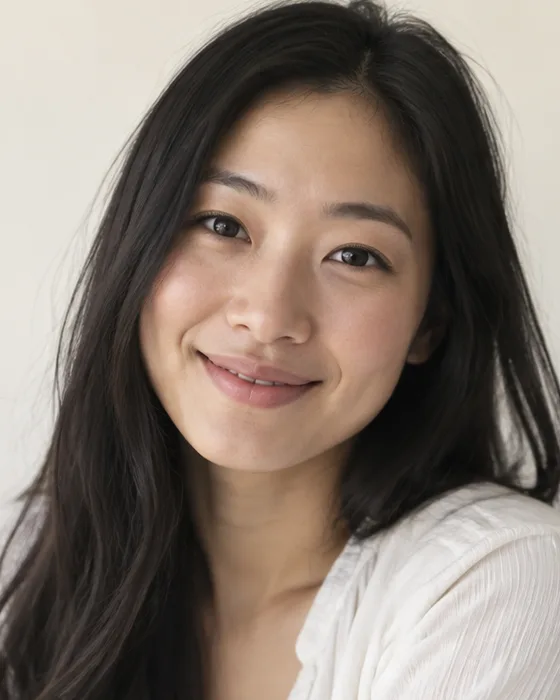
Add mom's photo
Pick a clear selfie from your camera roll or take one on the spot.
- 2

Add dad's photo
Same rule: one face, looking at the camera, good light.
- 3
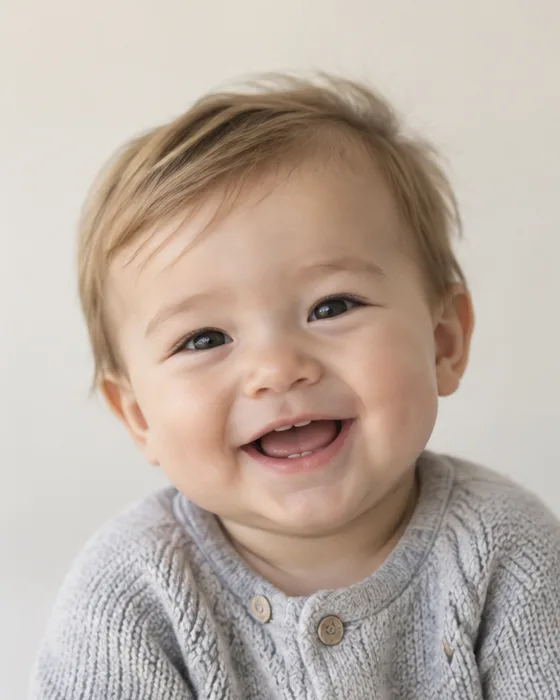
Meet your baby
Choose boy, girl or surprise and get a portrait in under a minute.

Get a sneak peek right here
The real baby face is made in the app. If you want a quick taste first, add your photos here, answer five questions and see whose features might win. You can switch to the app at any step.
Photos stay in your browser. Nothing is uploaded from this page.
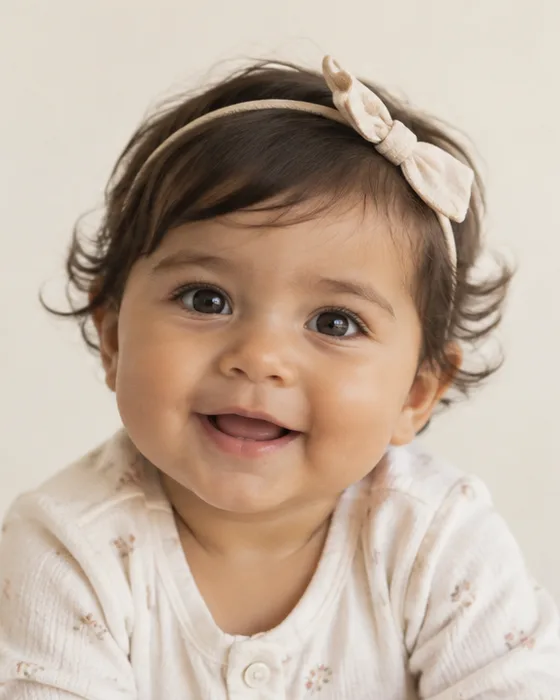

More than one guess
- Realistic portraits from two photosReal skin, real light. It reads like a photo, not a cartoon.
- Boy, girl or surpriseMake both and compare them side by side.
- Try different traitsGenerate again to see other mixes of the same two faces.
- Save and shareSend it to your partner, your mom, or the group chat.
Find a name you both love
Tap through popular baby names, save the ones that make you smile, and compare lists with your partner.
Girl name
Better photos, closer resemblance
The app reads faces. Give it a clear one and the baby looks more like you.

Have two good photos? That's all you need.
Open in the App StoreGetting started
How does the AI baby generator work?
Add one photo of each parent in the app. The AI reads the main features in both faces, such as eye shape, hair, skin tone and smile, and blends them into a new, realistic baby portrait.
How long does it take?
Most people meet their first baby within about a minute of opening the app: add two photos, pick boy, girl or surprise, and tap Create.
Can I choose a boy or a girl?
Yes. Pick Boy, Girl or Surprise before you create. Many couples make all three and compare them side by side.
Do I need the app, or can I do it on this website?
The baby face is made in the free iPhone app. Baby Mix on this page is a quick quiz for fun: it guesses whose features might win, but it does not create a face. Get the app.
Is there an Android version?
Not yet. AI Baby Generator is built for iPhone and needs iOS 16 or later.
Price and free trial
Is it free?
The app is free to download. Creating baby portraits needs a subscription, and many plans start with a 3-day free trial. The paywall shows the exact price and trial length before you confirm anything.
When will I be charged?
Only after the free trial ends. Cancel at least 24 hours before the trial is over and you pay nothing. Subscriptions renew automatically until you cancel.
How do I cancel my subscription?
On your iPhone, open Settings, tap your name, then Subscriptions. Choose AI Baby Generator and tap Cancel Subscription. You keep access until the current period ends.
Photos and privacy
Which photos work best?
One person per photo, facing the camera, in even daylight. Skip sunglasses, hats, group shots and beauty filters. See the photo tips.
What happens to my photos?
The app uses your two photos only to create the portrait and does not keep them afterwards. Finished babies are saved in History on your phone, and you can delete any of them. Details are in the Privacy Policy.
Is anything uploaded when I try Baby Mix?
No. Baby Mix runs entirely in your browser: the photos only appear on your screen and are never sent anywhere.
Your results
What if I don't like the result?
Tap Regenerate for a new version from the same photos, switch between boy, girl and surprise, or try clearer photos. Every version stays in History, so you can keep your favorite.
How accurate is it?
It is an AI image inspired by both faces, made for fun. Real genetics are far more random, so it cannot show exactly how your child will look.
Can I save and share my baby?
Yes. Save the portrait to your photo library or send it to your partner and family in one tap.
Who will your baby take after?
Two photos, one minute, one very cute answer.